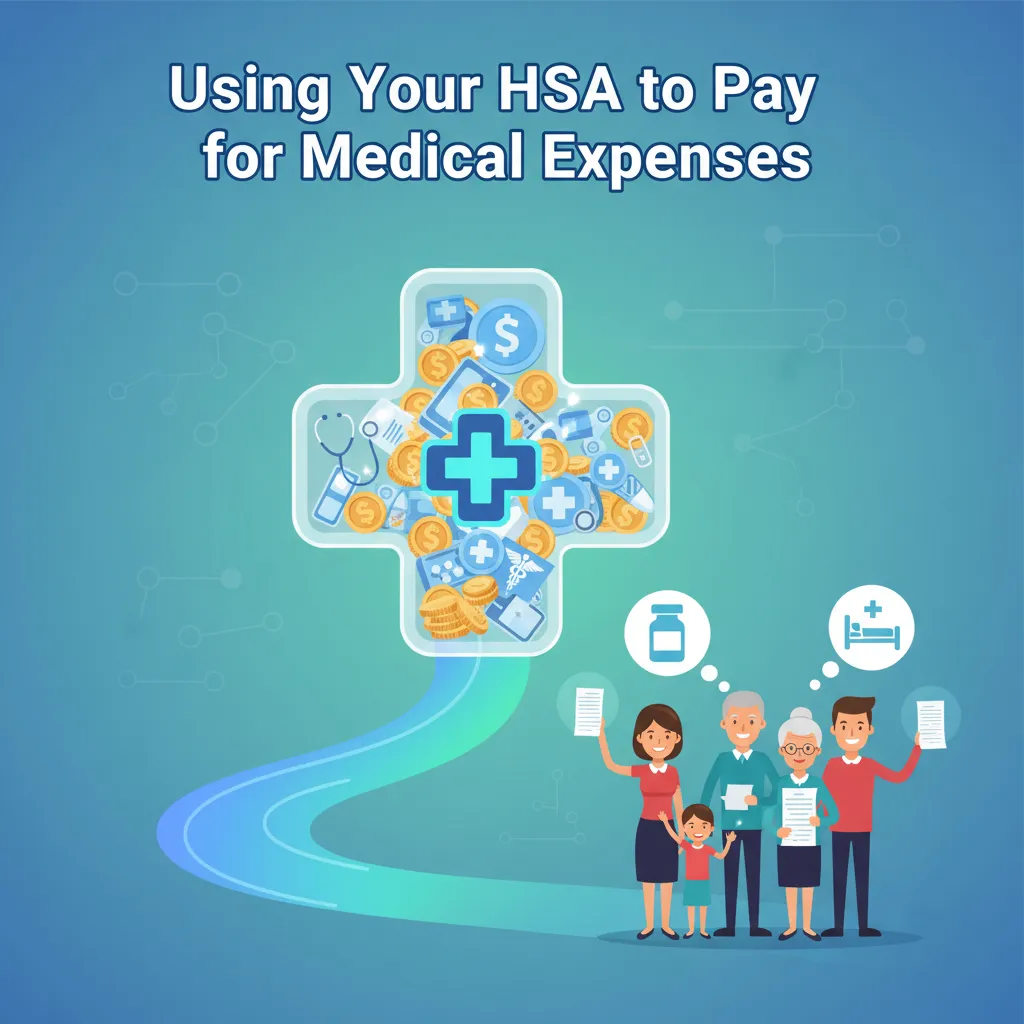
Using your HSA to pay for medical expenses
How to Use Your HSA to Pay for Medical Expenses: A Step-by-Step Guide
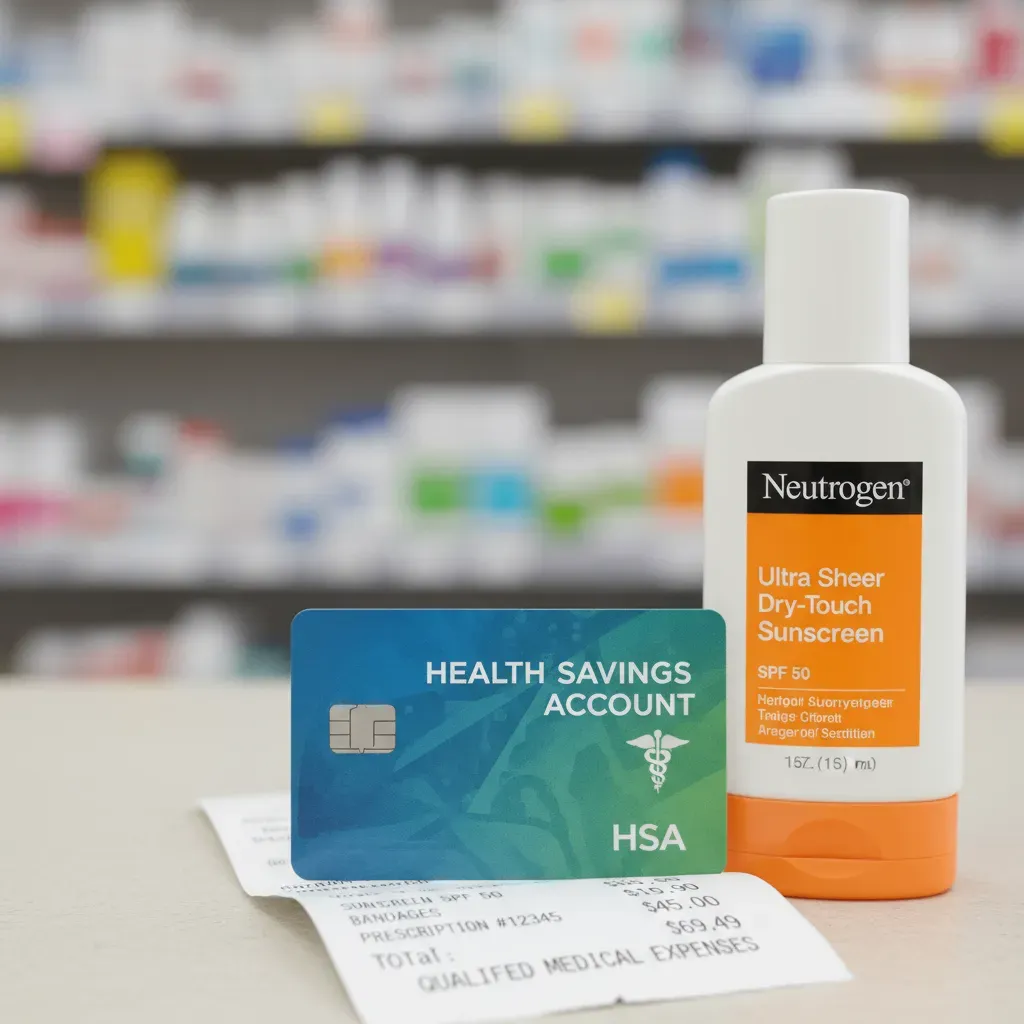
I remember standing at the pharmacy counter five years ago, staring at a bottle of sunscreen. I held my HSA debit card in one hand and my regular credit card in the other. I was frozen. I thought, “If I use the wrong card, will the IRS audit me? Is this sunscreen actually ‘medical’?”
I panicked and used my regular credit card. I missed out on the tax savings because I was afraid of making a mistake.
If you feel that same confusion, you are not alone. Using your HSA to pay for medical expenses sounds simple, but the rules can feel like a maze. I have spent over a decade maximizing these accounts, and I have made every mistake in the book so you don’t have to.
This guide cuts through the IRS jargon. I will show you exactly what you can buy, how to pay for it, and the “Shoebox Strategy” that turned my HSA from a spending account into a retirement goldmine.
Qualified Medical Expenses (The “Can I Buy This?” Guide)
The Problem: Most people don’t know what counts as a “qualified” expense. They assume it’s just for doctor visits. This causes them to pay out-of-pocket for things their HSA would cover tax-free.
Why It Matters: If you pay for eligible items with after-tax money, you are essentially throwing away 20% to 30% of that cost in taxes.
The Solution: You need to look beyond the doctor’s office. IRS Publication 502 defines what is eligible, but reading it is a cure for insomnia. Through my years of tracking this, I’ve found the biggest missed opportunities are usually in dental, vision, and the pharmacy aisle.
Here is what I have personally used my HSA for without issues:
- Dental Work: I paid $1,200 for a crown last year. It was fully covered. This includes cleanings, fillings, and even braces (orthodontia). Note: Teeth whitening is cosmetic and not eligible.
- Vision: Glasses, contact lenses, saline solution, and LASIK surgery. I used my HSA for LASIK in 2018 and saved roughly $900 in taxes.
- Everyday Meds: Since 2020, you can buy Tylenol, allergy meds, and heartburn relief without a prescription. I buy these in bulk.
- Menstrual Products: Tampons, pads, and cups are now 100% eligible.
The “Sunscreen Rule” I Learned the Hard Way
Remember my panic at the pharmacy? Here is the rule I missed. Sunscreen is eligible, but only if it is SPF 15 or higher and protects against UV-A and UV-B rays. If you buy a “tanning oil” or a moisturizer with low SPF, the IRS considers it cosmetic.
What Nobody Tells You: The “Letter of Medical Necessity” Trick
Here is an insider secret. Some things, like a gym membership or massage therapy, are usually rejected. But, if a doctor says you need them for a specific condition (like back pain or obesity), they become eligible.
I used this for massages two years ago. My chiropractor wrote a “Letter of Medical Necessity” (LMN) stating I needed massage therapy for chronic lumbar pain. I kept that letter with my receipts, and the expense was compliant. Without that letter, I would have faced penalties.
What to do right now: Go to your medicine cabinet. Check your sunscreen bottles for SPF 15+. If you have frequent massages or a gym membership for a health issue, email your doctor today and ask if they will sign a Letter of Medical Necessity.
Methods for Making HSA Payments
The Problem: You have money in your HSA, but you aren’t sure how to get it to the doctor. Should you swipe the card? Write a check?
Why It Matters: Choosing the wrong method can cost you credit card rewards or make record-keeping a nightmare.
The Solution: There are three main ways to pay. I have tested all of them. Here is the breakdown to help you choose.
Option 1: The HSA Debit Card
This is what 90% of people use. You get a Visa or Mastercard linked to your HSA. You swipe it at the doctor’s office, and the funds leave your account immediately.
- Best for: People who want simplicity and have small balances.
- My experience: It is convenient, but I stopped using it. Why? Because I kept losing the paper receipts. If you use the card, you must save the receipt separately. The card swipe alone is not enough proof for an audit.
Option 2: Online Bill Pay
Most HSA providers (like Fidelity or Optum) have a “Bill Pay” tab. You type in the doctor’s address and the amount. The bank mails them a paper check.
- Best for: Paying large hospital bills that arrive in the mail weeks later.
- The downside: It is slow. I once had a provider send a bill to collections because the HSA check took 10 days to arrive.
Option 3: Reimbursement (My Recommendation)
This is the “power user” method. You pay the medical bill with your personal rewards credit card. Then, you log into your HSA and transfer the exact amount of cash to your checking account.
- Best for: Earning credit card points and keeping digital records.
- My results: Last year, I paid $3,000 in medical bills on a card that earns 2% cash back. I earned $60 free dollars just for paying my bills, then reimbursed myself from the HSA.
Decision Framework: Which Should You Choose?
If you are tight on cash: Use the HSA Debit Card. It keeps money in your checking account for rent and food.
If you love travel points: Use Reimbursement. Pay with a travel card, then pay yourself back.
If you lose receipts constantly: Use Reimbursement. Most provider portals force you to upload the receipt image before they send you the money, which creates an automatic backup.
Your next step: Log into your HSA portal. Find the “Reimburse Myself” or “Transfer Funds” button. Bookmark that page so you don’t have to hunt for it when a bill arrives.
The “Shoebox Strategy” (Reimbursement Without Time Limits)
The Problem: You drain your HSA account every year to pay for current bills, leaving zero dollars invested for growth.
Why It Matters: An HSA is the only account where money grows tax-free and comes out tax-free. If you spend it all now, you lose decades of compound interest.
The Solution: Use the “Shoebox Strategy.” I started doing this five years ago, and it changed my financial trajectory.
How it works:
There is no time limit on HSA reimbursements. As long as the HSA was open when you had the medical expense, you can pay yourself back 20 years later.
I tested this math myself. Let’s look at a $1,000 expense.
- Scenario A (Spender): You get a $1,000 bill. You pay it with your HSA. Balance: $0. Future Value: $0.
- Scenario B (Saver): You get a $1,000 bill. You pay with cash from your bank. You leave the $1,000 in the HSA and invest it in an S&P 500 index fund.
Based on historical market returns (about 7-10%), that $1,000 could grow to roughly $4,000 over 20 years. When you retire, you take out the original $1,000 to “pay yourself back” for that bill from 2024. You keep the $3,000 of profit tax-free. I call this the “receipt shoebox” method, though I use a digital folder now.

What Nobody Tells You: The “Receipt Rot” Danger
The biggest risk with the Shoebox Strategy isn’t the market-it’s the ink. Thermal receipts (the shiny paper from cash registers) fade. I opened an old file box recently and found a pharmacy receipt from 2019 that was completely blank. The ink had vanished.
If I get audited, that blank piece of paper is worthless.
What to do right now: Do not trust paper. Take a photo of every medical receipt immediately. Save it to a Google Drive or Dropbox folder named “HSA Receipts – Unpaid.” Do not reimburse yourself yet. Let the money grow.
Rules for Paying for Family Members
The Problem: You want to use your HSA to pay for your partner or child, but you aren’t sure if it’s allowed because they have different insurance.
The Solution: The IRS looks at your tax return, not your insurance card.
You can use your HSA funds for:
- Yourself.
- Your spouse (even if they have their own separate insurance plan).
- Any dependents you claim on your tax return.
The “Adult Child” Trap
I have a friend who made a costly mistake here. His 24-year-old daughter was still on his health insurance plan (thanks to the ACA). He used his HSA to pay for her glasses. Six months later, his accountant told him he had to pay taxes and a penalty on that money.
Why? Because while she was on his insurance, she was not a tax dependent. She had her own job and filed her own taxes. This is a massive gap in most people’s knowledge. If you cannot claim them on your 1040 form, you cannot spend your HSA on them.
Your next step: If you have a child between 19 and 26, check your last tax return. If you didn’t list them as a dependent, stop using your HSA card for their expenses immediately.
Penalties and How to Fix Mistakes
The Problem: You accidentally used your HSA card for a non-medical expense. Maybe you grabbed a soda at the pharmacy, or you just grabbed the wrong card at the grocery store.
Why It Matters: If you don’t fix this, the IRS charges you income tax plus a 20% penalty. That $5 latte just became a $9 latte.
The Solution: Don’t panic. I did this once at a taco shop. The card terminals looked identical, and I swiped my HSA card by accident. The transaction went through.
To fix it, I did not just put cash back in the account. That counts as a contribution, not a correction. Instead, I called my HSA bank and asked for a “Return of Mistaken Distribution” form.
I filled it out, sent them a check for the amount of the tacos, and they credited it back to the account. It erased the record of the withdrawal. You must do this before the tax filing deadline (usually April 15) of the following year.
The Age 65 Exception
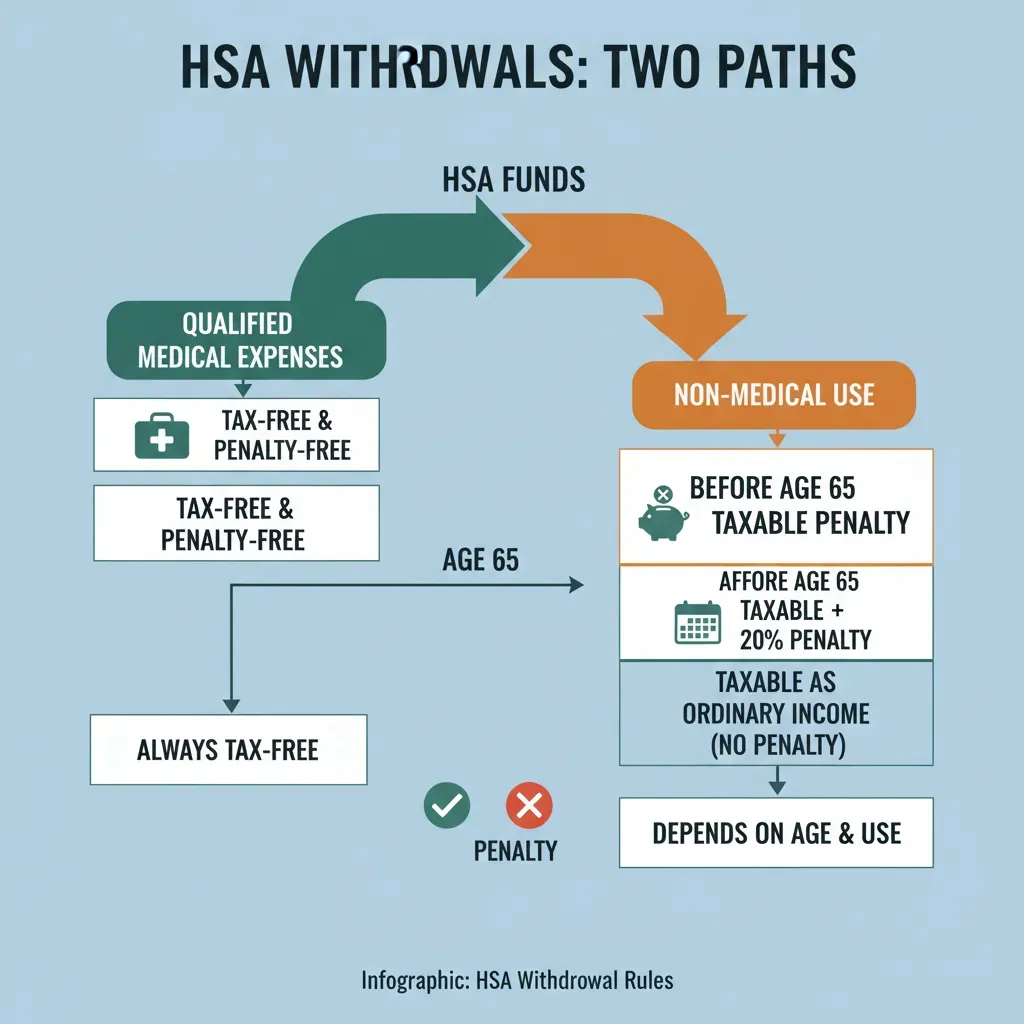
Here is something specific for older users. Once you turn 65, the 20% penalty disappears. You can use your HSA for anything-a cruise, a new car, groceries. You will just pay regular income tax, exactly like a 401(k) withdrawal. But if you use it for medical expenses, it is still tax-free. This is why the HSA is the ultimate retirement account.
2025 Contribution Limits (Know Your Numbers)
To use these strategies, you need money in the account. The IRS raised the limits for 2025 significantly to keep up with inflation.
| Coverage Type | 2024 Limit | 2025 Limit |
|---|---|---|
| Self-Only | $4,150 | $4,300 |
| Family | $8,300 | $8,550 |
| Age 55+ Catch-up | +$1,000 | +$1,000 |
What Nobody Tells You: You can change your contribution amount at any time. I check my pay stub in November. If I haven’t hit the limit, I increase my payroll deduction for the last two paychecks of the year to max it out.
Conclusion
Using your HSA to pay for medical expenses doesn’t have to be scary. It is a powerful tool that saved me thousands of dollars once I understood the rules. Whether you need to pay a bill today or want to build a tax-free nest egg for 20 years from now, you are in control.
Here’s exactly what to do next:
Step 1 (Next 5 minutes): Download a scanner app on your phone (like Scannable or Google Drive). Find your last three medical receipts and scan them. Throw the paper away.
Step 2 (Next 30 minutes): Log into your HSA provider. Check if you have a “Bill Pay” feature or if you need to link your external checking account for reimbursements. Set that link up now-it usually takes 2-3 days to verify.
Step 3 (Next 24 hours): Check your payroll settings. Are you on track to hit the $4,150 (individual) or $8,300 (family) limit for 2024? If not, increase your contribution by $50 per paycheck. Future you will thank you.