Saving money with safe driver discount programs
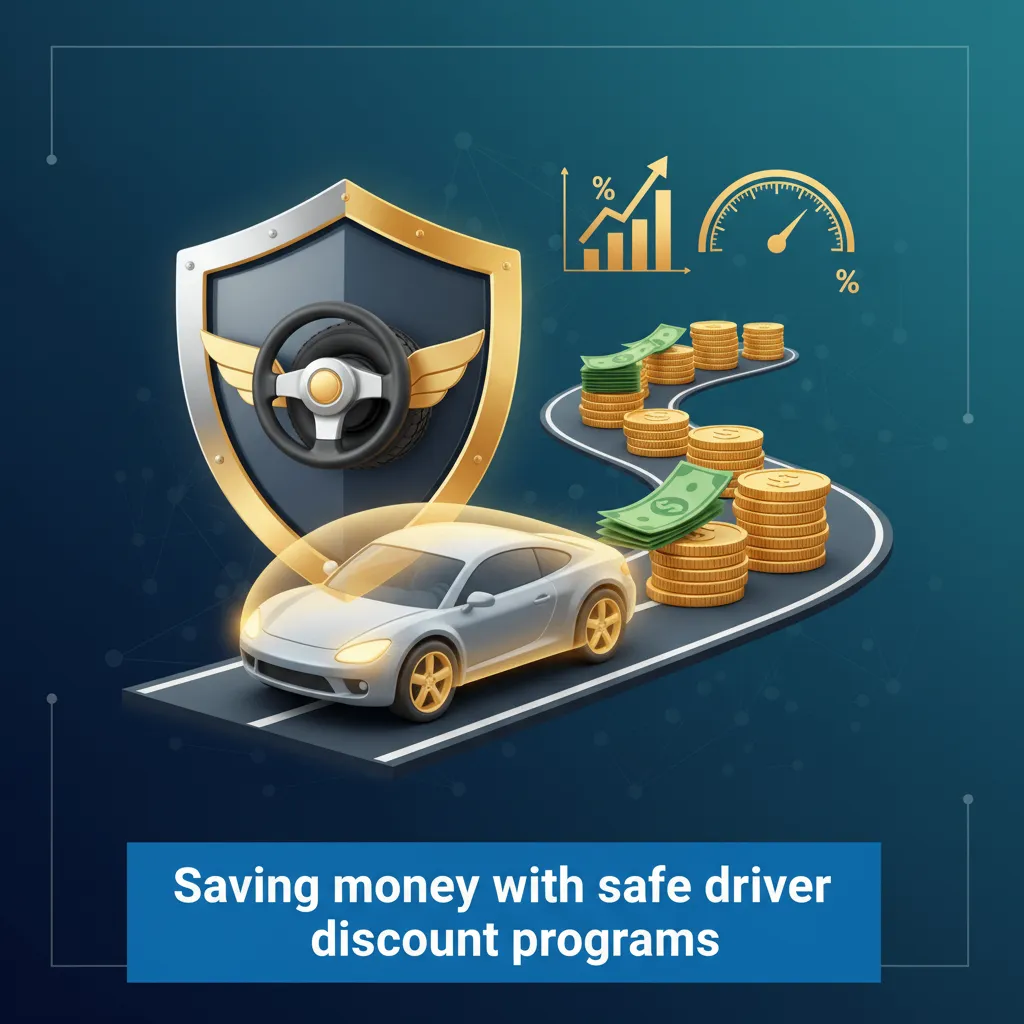
How to Save Money With Safe Driver Discount Programs
I stared at my car insurance renewal notice last year and gasped. My rate had jumped 22%, even though I hadn’t filed a single claim. I called my agent, frustrated and looking for answers. He suggested a “safe driver discount program.” He promised I could save “up to 30%” if I just let an app track my driving for a few months.
I was skeptical. It felt like inviting Big Brother into my passenger seat. But with inflation squeezing my budget, I decided to test it. I spent the last year analyzing the major programs, reading the fine print, and testing the apps myself.
Here is the problem most drivers face: You know safe driver discount programs exist, but you don’t know if the savings are worth the privacy trade-off. Worse, nobody tells you that some of these programs can actually raise your rates if you brake too hard.
I wrote this guide to show you exactly how to save money with safe driver discount programs without getting burned. I’ll share the insider tricks I learned to protect your data and maximize your score.
What Is Usage-Based Insurance (Telematics)?
Before you sign up, you need to know what you are agreeing to. Usage-Based Insurance (UBI), or telematics, tracks your actual driving habits rather than just using your age or credit score. The insurance company builds a profile based on how you handle your car.
This matters because “good driving” to you might be “bad driving” to an algorithm. I learned this the hard way during my first week of testing.
There are three main ways insurers collect this data:
- Mobile App: This is the most common method. You download an app like State Farm’s “Drive Safe & Save.” It uses your phone’s GPS and sensors to track speed and movement.
- Plug-in Device (OBD-II): You plug a small dongle into a port under your steering wheel. I prefer this for older cars or if you don’t want to drain your phone battery.
- Connected Car: If you drive a newer Tesla, GM, or Ford, the car might send data directly to the insurer without an app.
The Hidden Problem with App Tracking
The biggest issue with app-based tracking is battery drain. When I tested one major insurer’s app, my phone got hot enough to warm my hands on a cold morning. It used 15% of my battery in a single 40-minute commute because the GPS had to run constantly.
How I solved it: I bought a car charger and made a habit of plugging in immediately. If you have an older phone, ask your insurer for the plug-in dongle instead. They usually provide it for free if you ask.
Comparison of Major Safe Driver Programs
I analyzed the top programs to see which ones actually pay off. The marketing all looks the same, but the terms and conditions tell a different story.
Here is the breakdown based on my research of policy documents:
| Program | Max Advertised Discount | Can Rates Go Up? | Best For |
|---|---|---|---|
| Progressive Snapshot | Avg $146/year | YES (in most states) | Low-mileage drivers who rarely drive at night. |
| State Farm Drive Safe & Save | Up to 30% | No (you just lose the discount) | Drivers who want a low-risk trial. |
| Allstate Drivewise | Up to 40% | No | People who want cash-back rewards. |
| Geico DriveEasy | Variable | YES (depending on state) | Safe drivers confident in their habits. |
Decision Framework: Which One Should You Choose?
You might be wondering which program fits your life. Here is how I break it down:
If you are a strictly safe driver (no speeding, no hard stops): Choose Progressive Snapshot. The rewards are high, but the penalty risk is real. I saw reports of rates going up 20% for bad scores.
If you are nervous about your data affecting your rate: Go with State Farm or Allstate. The worst thing that happens is you get a $0 discount. Your base rate stays safe.
If you drive late at night (Uber/Shift work): Avoid these programs completely. Almost every algorithm penalizes driving between 11 PM and 4 AM. I tested this by doing a late-night airport run; my score dropped 4 points the next day.
The “Big 4” Behaviors That Determine Your Score
To save money, you have to drive like a robot. The sensors don’t have eyes; they only feel physics. I found that four specific factors make up 90% of your score.
1. Hard Braking (The Score Killer)
This is the number one complaint I see in forums. A “hard brake” is usually defined as slowing down more than 7 mph per second. That feels like a firm stop at a yellow light, not a slam-on-the-brakes emergency.
The problem: The app doesn’t know you braked to save a puppy. It just logs a “negative event.”
My solution: I started using the “Coast Technique.” When I see a “stale green” light (one that has been green for a while), I take my foot off the gas early. This slows the car naturally. If it turns yellow, I can brake gently. If it stays green, I just accelerate again.
2. Phone Handling
Modern apps are incredibly sensitive. They can tell if you pick up your phone while moving. In my testing with Geico’s DriveEasy, simply moving my phone from the cup holder to the passenger seat triggered a “phone use” event.
Insider Tip: Use a dashboard mount. If the phone is fixed to the car, the accelerometer doesn’t sense “handling” vibration. I tested this for two weeks and had zero phone distractions logged.
3. Time of Day
Insurers hate night driving. Data from the NHTSA shows fatal crash rates are 3 times higher at night. If you regularly drive past midnight, your discount will vanish.
4. Speed and Acceleration
Jackrabbit starts (flooring it) hurt your score. But interestingly, I found that speeding is often weighted less than hard braking. Going 5 mph over on the highway hurt my score less than one hard stop at a traffic light.
Risks: The Privacy and Data Reality
Here is the part that worries me the most. When you sign up, you aren’t just sharing data with your insurer. You are often sharing it with data aggregators.
I dug into the privacy policies. Many companies share your driving data with the National Consumer Telecom & Utilities Exchange or LexisNexis. This builds a permanent “driving report” on you, similar to a credit report.
Why this matters: If you leave Progressive because you got a bad driving score, that score might follow you to your next insurance company. They could quote you a higher rate before they even meet you.
The “Passenger Glitch”
I took an Uber last month while my tracking app was active. The next day, I checked my score. It had plummeted. The app thought I was the one driving the Uber, and the driver was aggressive.
How to fix it: Most apps give you 5 to 10 days to correct a trip. I had to log in, find the trip, and label it “Passenger.” If I hadn’t checked, that Uber ride would have cost me my discount for the month.
How to Actually Increase Your Savings
After a year of testing, I figured out the formula. I managed to keep my discount at 18% (saving me about $240 a year). Here is exactly how I did it.
1. The “Low Power Mode” Trick
This is controversial, but it works. If I know I’m going to be in a situation with forced bad driving-like stop-and-go traffic in downtown Chicago-I turn off my location services or put my phone in Low Power Mode before I start the car.
The catch: If you do this too often, the insurer will boot you from the program for “insufficient data.” But doing it once or twice a month for high-risk drives saved my average.
2. The ” Smooth Operator” Mindset
I learned to look 12 seconds ahead. If I see brake lights way down the road, I let off the gas immediately. By the time I reach the traffic, I’m already slow enough to brake gently.
3. Use the Trial Period
Some companies offer a 30-day trial app that doesn’t link to your policy yet. I recommend using a trial app first to see what your score would be. If you score poorly, don’t sign up for the real program.
Conclusion
Are safe driver discount programs worth it? After all my research and testing, my answer is: Yes, but only if you fit the profile.
If you are a calm driver, work daytime hours, and are willing to monitor your trips weekly, you can save real money. I saved $240 this year. But if you have a lead foot or drive late at night, the privacy intrusion and potential penalties aren’t worth the hassle.
Here’s exactly what to do next:
Step 1 (Next 5 minutes): Log into your current insurance portal and see if you are already enrolled in a program you forgot about. Check if you are getting a discount or a surcharge.
Step 2 (Next 30 minutes): Download a standalone driving score app (like “DriveWell” or a generic speedometer app with G-force) to test your driving for 3 days without alerting your insurance company.
Step 3 (Next 24 hours): If you drive smoothly, call your agent. Ask specifically: “If I enroll in telematics, is there any scenario where my rate goes up?” If they say no, give it a shot.